Install and first launch
What you need, installing the app, and a tour of the five tabs you land on.
rdn-swarm is a phone app that runs a team of nine AI agents. Give it a written description of an app, and it plans, builds, tests and scores that app on your device. It uses your own API keys with AI providers such as Anthropic, OpenAI or Google. There is no rdn-swarm account and no rdn-swarm server.
This page gets the app onto your phone and shows you around. The next two pages take you through adding a key and running your first build.
What you need#
- A phone. Android 8.0 or later, or an iPhone on iOS 17 or later. The app is portrait-only on phones.
- An account with at least one AI provider, with billing or credit set up so its API works. rdn-swarm supports Anthropic, OpenAI, Google Gemini, DeepSeek, xAI, Meta, Kimi and Qwen. You only need one to start. Add your first API key shows where to get one.
- An internet connection while a run is in progress. The agents are calls to your provider's API.
Install the app#
- Open Google Play on Android or the App Store on iPhone.
- Search for rdn-swarm, published by Rdn Labs, and install it.
- Open the app. You won't be asked to sign up or sign in.
First launch#
With no key added yet, the app opens the Quick Start: a short walkthrough that helps you pick a provider, get a key, paste and validate it, and start your first run. If you tap Skip for now, Home shows a Connect a provider to get started card with a Set up now button that reopens it, until you add a key.
At the same time, the app quietly downloads the current model list and prices for all eight providers. This doesn't need a key. It's why every provider's models are already there when you add one.
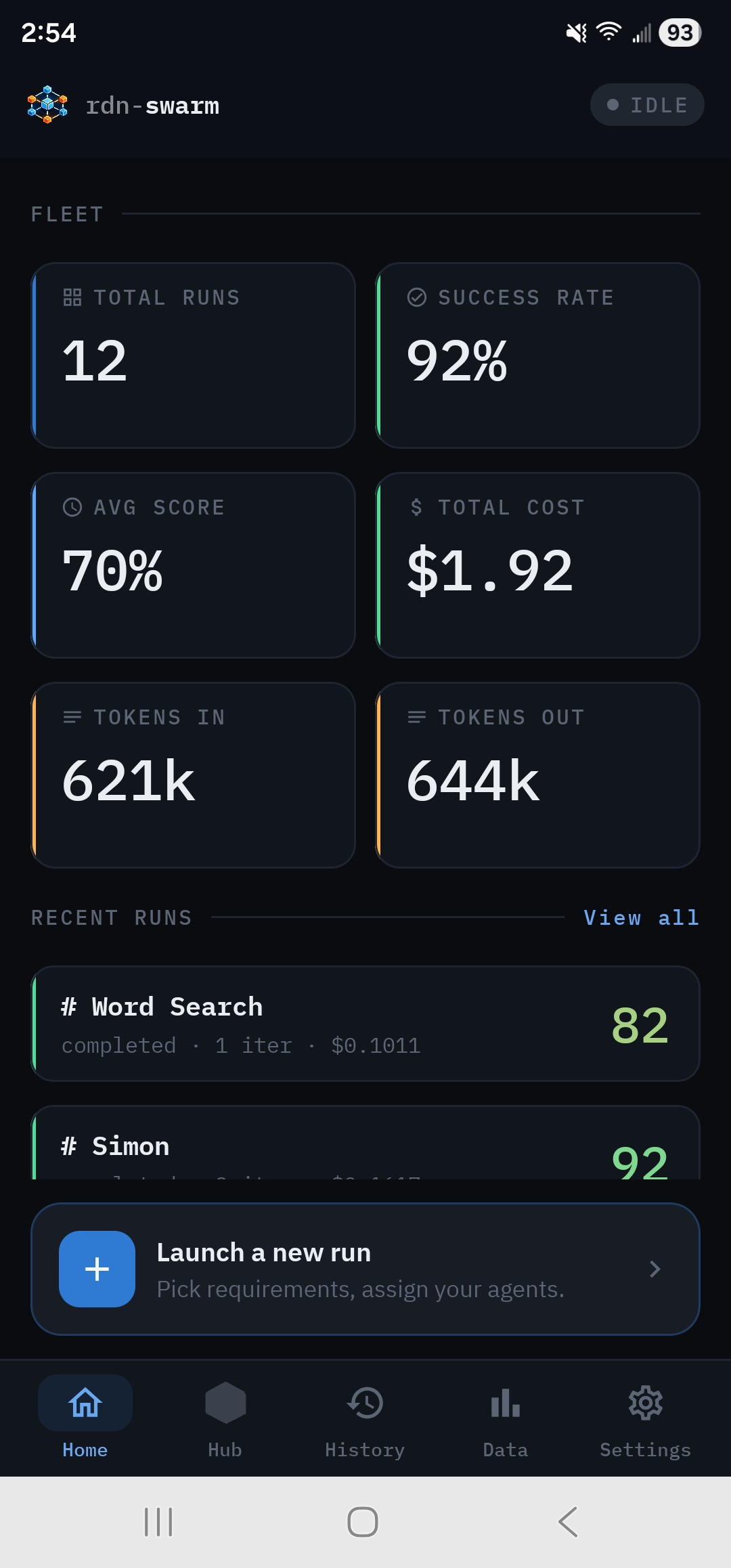
The five tabs#
A bar along the bottom of the screen has five tabs:
- Fleet totals (runs, success rate, average score, spend, tokens), your recent runs, and Launch a new run.
- The run workspace. While a run is going, Hub takes you to its live dashboard. When nothing is running, Hub opens New Run so you can set one up.
- Every run you've done, filterable by Completed, Cancelled and Failed. Tap a run to reopen its dashboard, browse its files, share it or delete it.
- Reports across all your runs: a Leaderboard of models and providers, and Token Usage for spend.
- Your provider keys, the model catalog, theme and accent color, and About.