Screens and navigation
The five tabs, the screens behind them, and how to reach each one.
A map of the app: the five tabs, the screens behind them, and how to reach each one. Every reading screen supports pinch to zoom, and the app is portrait-only on phones.
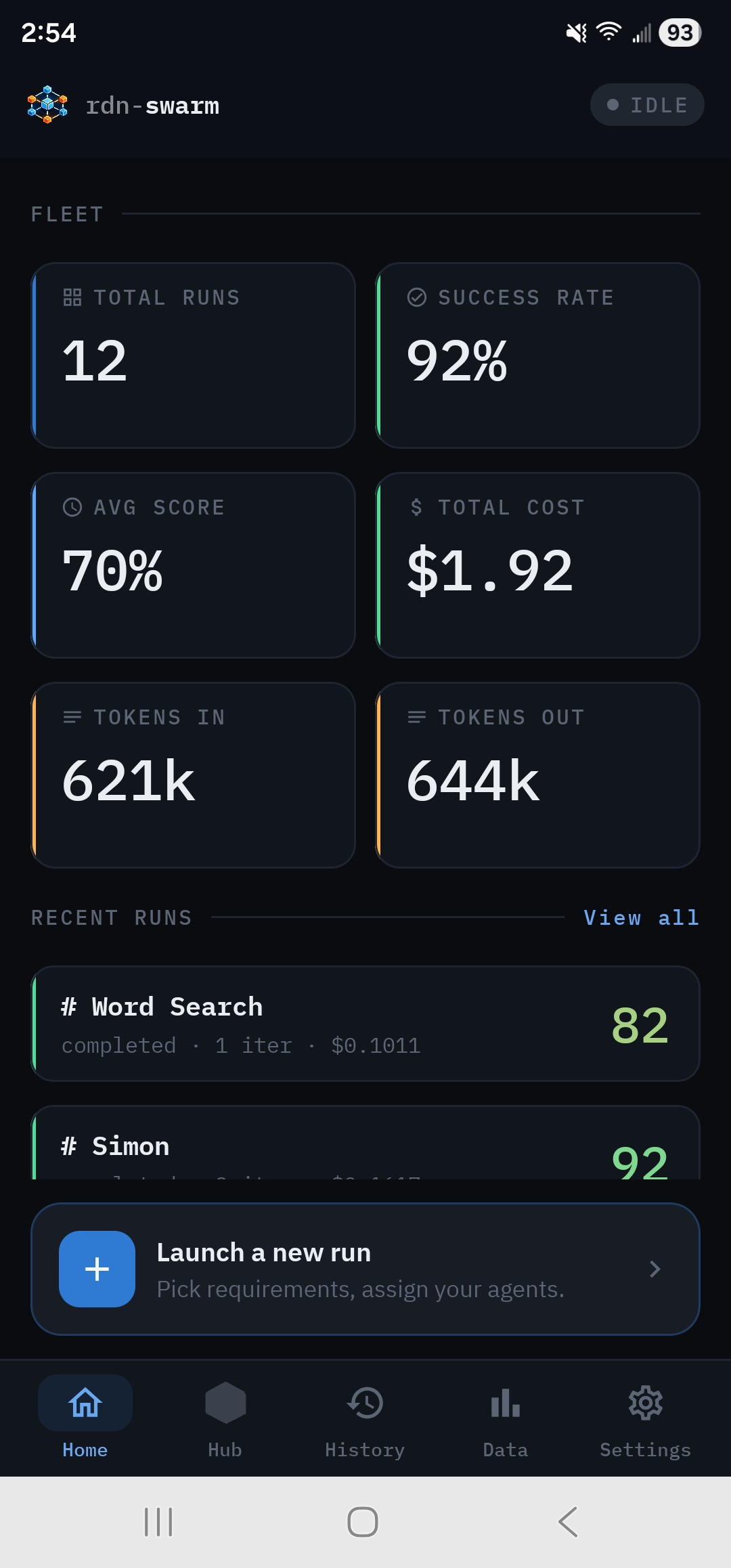
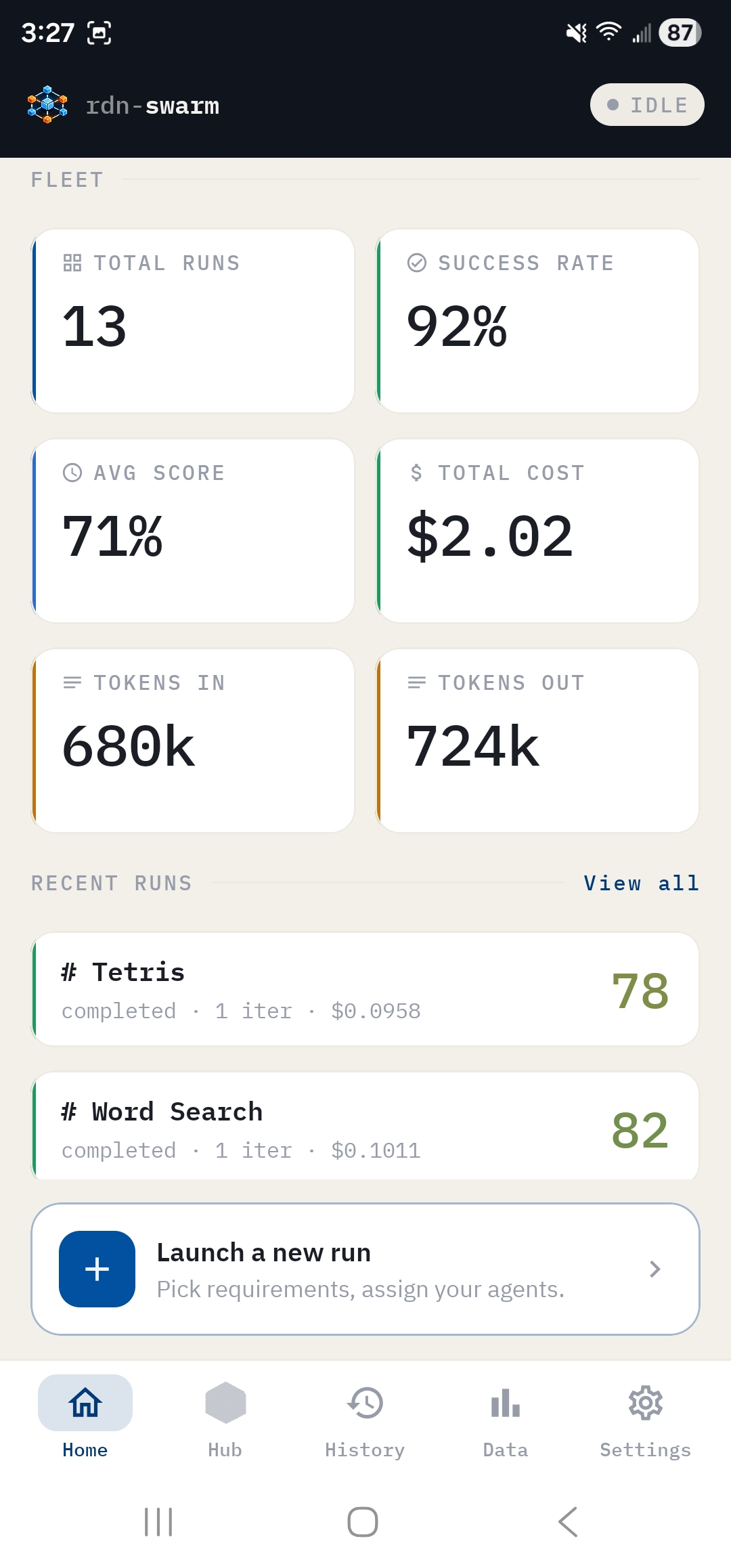
Home#
- Fleet tiles: Total runs, Success rate, Avg score, Total cost, Tokens in, Tokens out.
- Recent runs, with View all leading to History. Each row shows its status, iterations, cost and score, updating live while a run is going.
- Launch a new run, or Resume the live run while one is in progress.
- With no key yet: a Welcome to rdn-swarm card with Add an API key to begin.
Hub#
Hub opens the live run dashboard while a run is in progress. Otherwise it opens New Run.
New Run#
- Launcher: What would you like us to build?, the 30 starter projects and Open existing doc.
- Requirements tab: the active doc in preview or edit mode, the doc library (tap the doc name), Discuss and Start run.
- Configuration tab: Autorun, Agent Roles, Scorecard, Orchestration, Dev Mode, QA Mode and Start run. See Run configuration.
- Discuss your project: the chat with the Analyst.
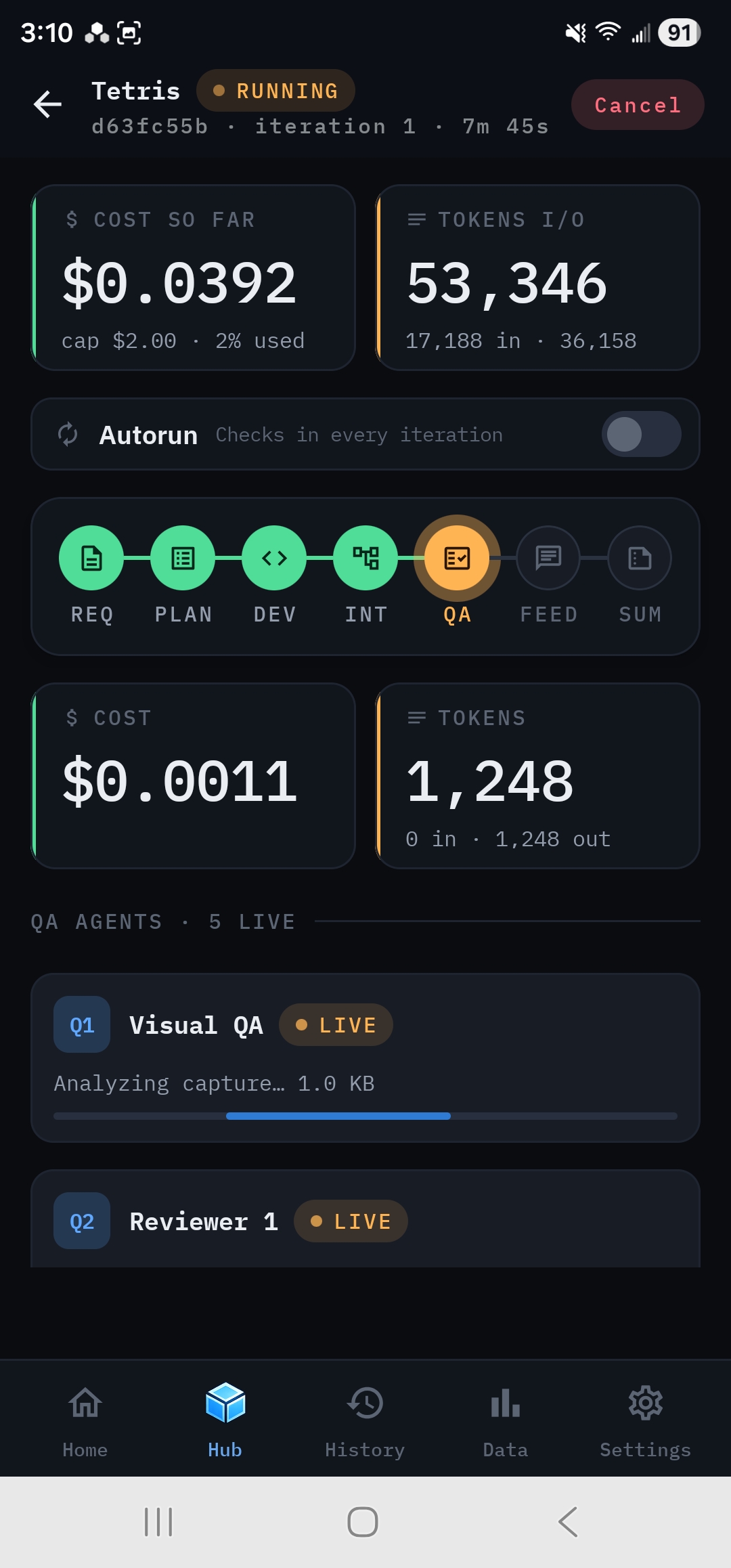
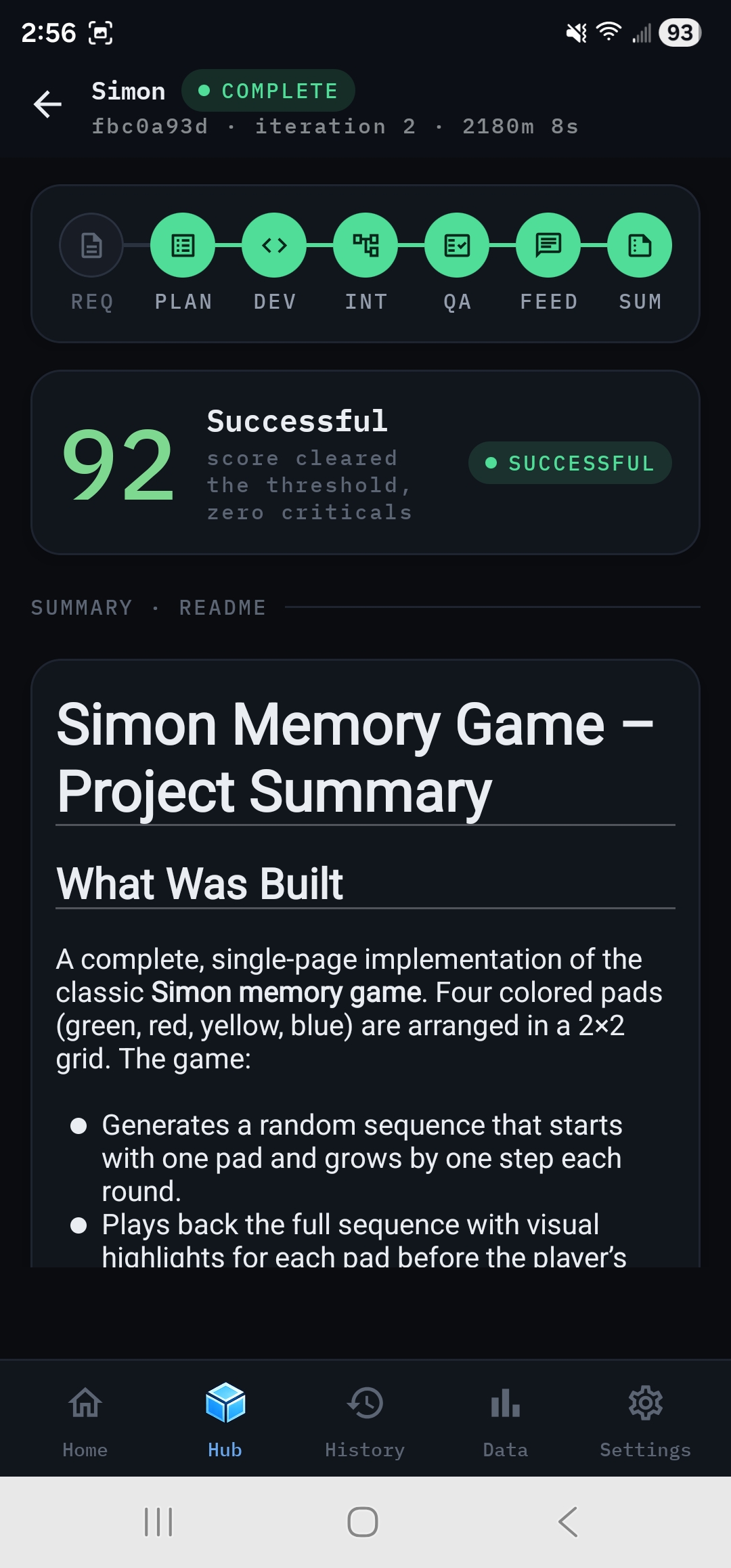
Run dashboard#
Live cost and tokens, Autorun, the phase track, Add a note, the live region for the current phase, and check-in cards. When the run ends: the verdict, the final scorecard, the README, cost charts, per-provider cost and token totals, Output, Open preview and Run next iteration. See Follow a live run.
From the dashboard:
- Phase detail: tap a phase node.
- Output: the file tree and file viewer.
- App Preview: the generated app at Phone, Tablet and Desktop widths.
- Run Log: the event archive, from the Output header or the error banner.
- Reopen sheet: Run next iteration on a finished run.
History#
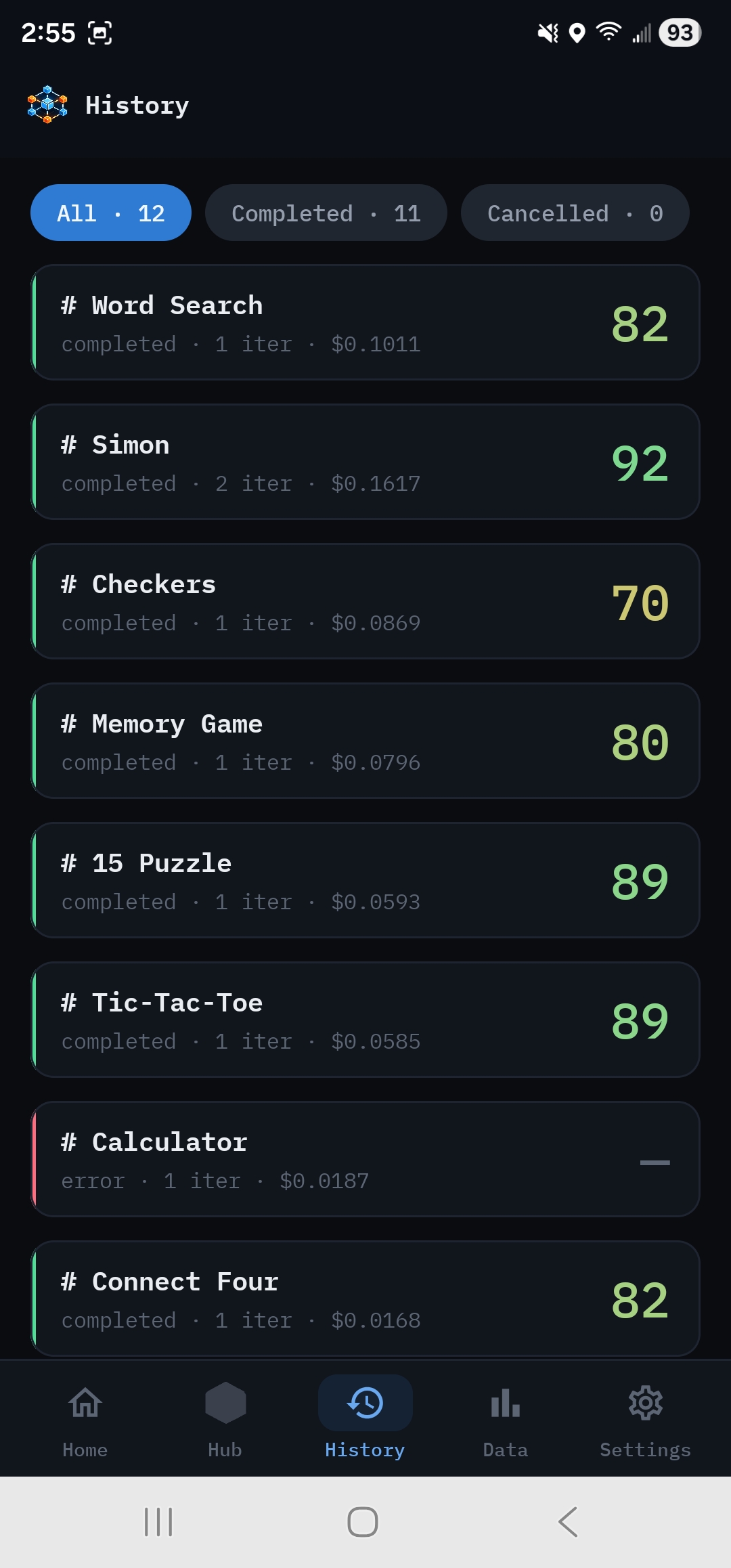
Every run, newest first, filterable by All, Completed, Cancelled and Failed, with counts. Tap a run to open its actions:
- The run's dashboard, live or finished.
- The Run Log.
- Output.
- The share sheet with the run's zip.
- A confirmation. This removes everything tied to the run from the phone and can't be undone.
Data#
Models compared and Run count, then:
- Leaderboard → row detail, with token efficiency.
- Token Usage → per-provider, per-model or per-role detail, down to individual calls. CSV export is in the header.
- Sync run stats: coming soon.
See Compare models and track spend.
Settings#
Provider pages, Model catalog, Docs & help (opens these docs), Display, About and the in-app Swarm License. See Settings reference.