Phone keyboard tips
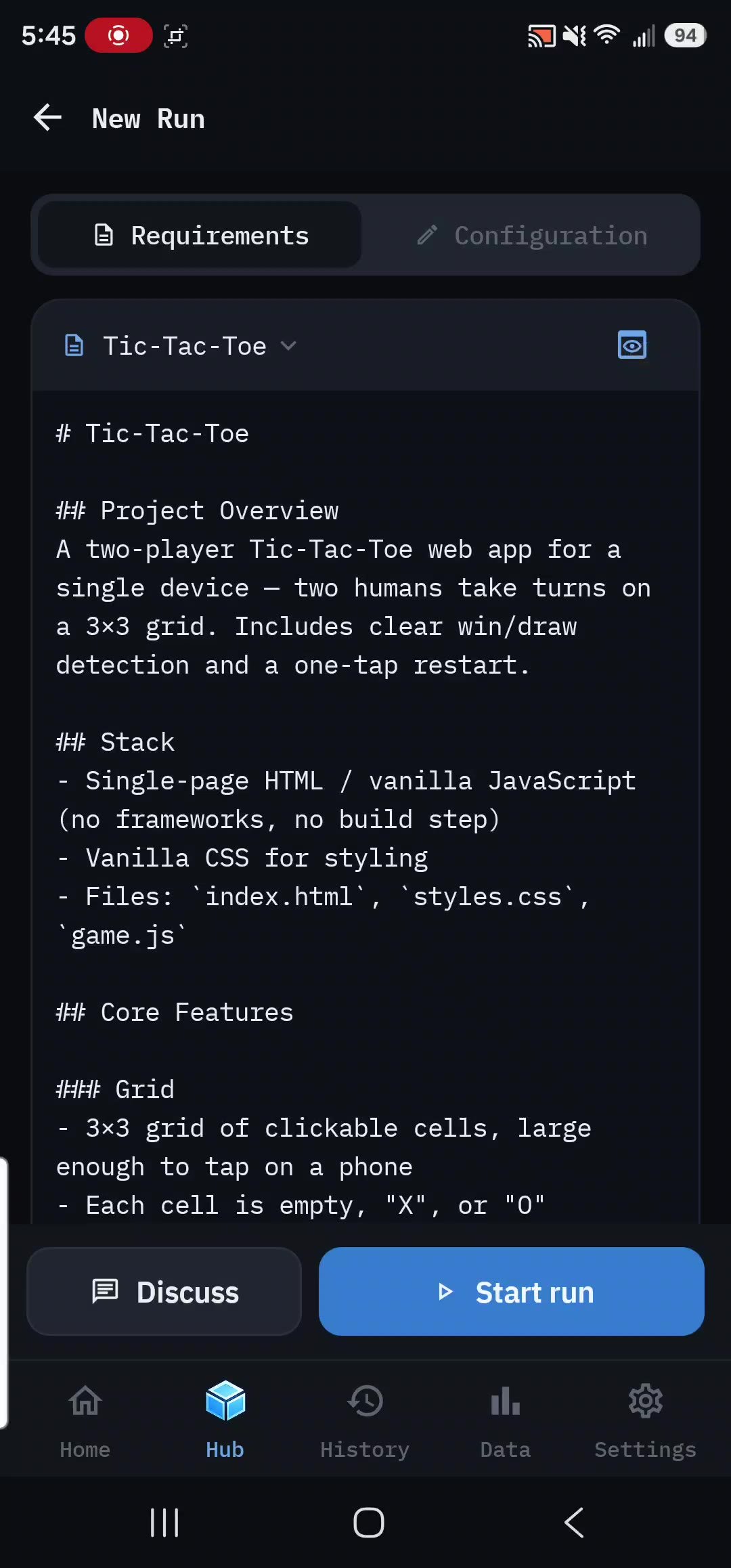
Shrink your keyboard to see more of the editor, or write your brief somewhere else and import it.
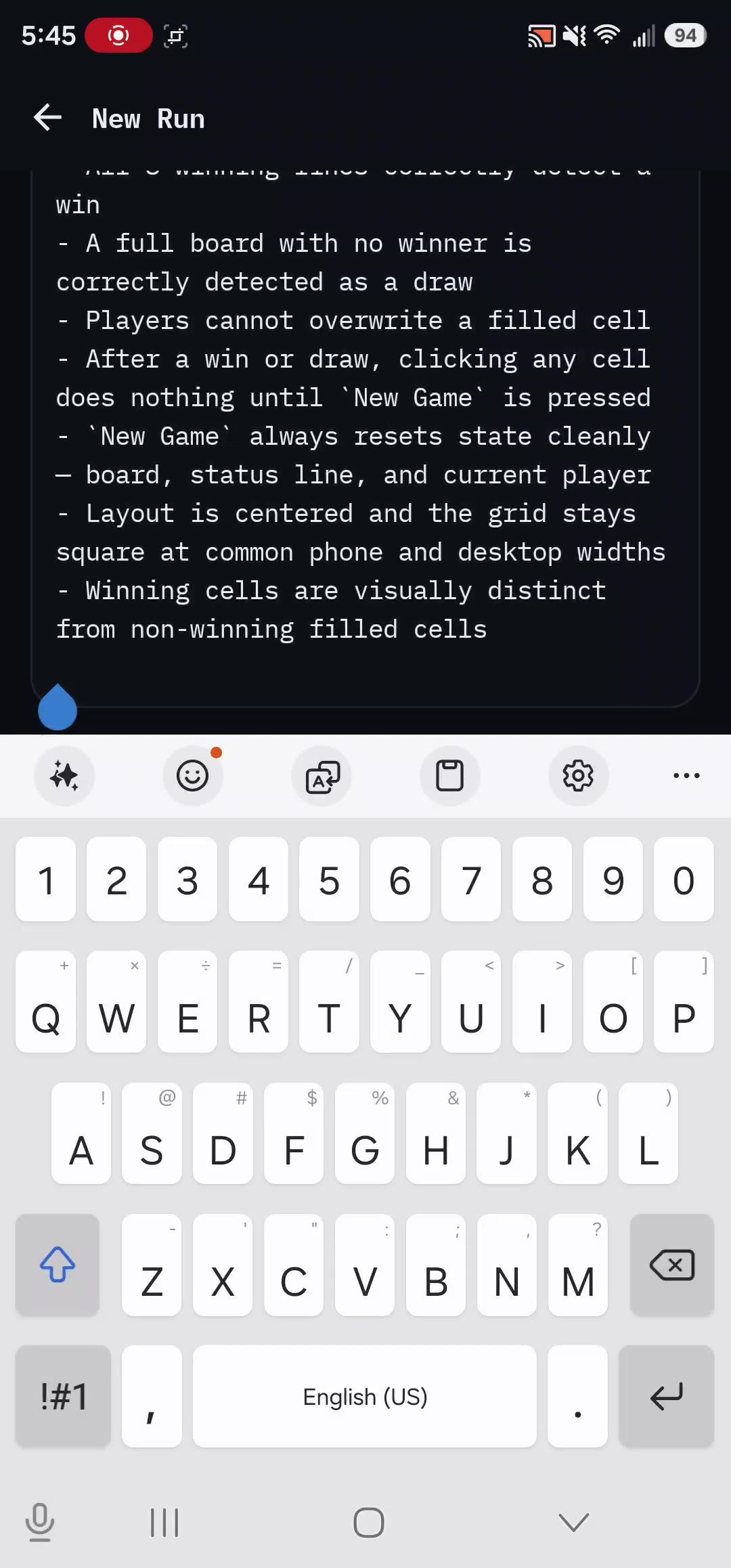
A smaller keyboard leaves more of your requirements visible while you type. rdn-swarm already hides the bottom tab bar and the Start footer while the keyboard is open. The keyboard's own size is set by your phone, not by the app. These are the options that are worth knowing about.
Samsung Keyboard#
- Open Settings → General management → Samsung Keyboard settings.
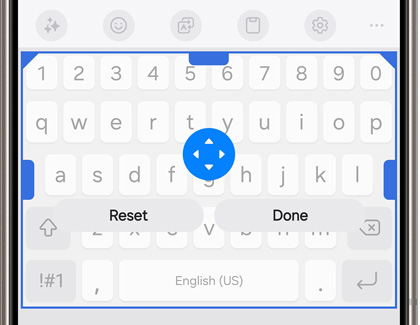
- Tap Size and transparency, drag the top handle down, then tap Done. Reset puts it back.
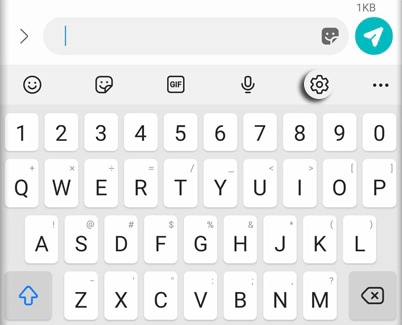
- If you don't use its shortcuts, turn Keyboard toolbar off.
- If your version has Layout → Number keys, turn off the number row. You'll switch to the symbols layout to type numbers.
Samsung's floating and one-handed modes move the keyboard around, but they don't reliably free up more of the editor. Try resizing first.
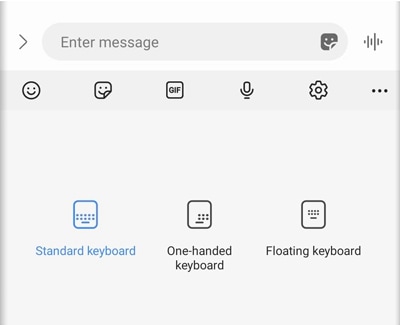
See Samsung's keyboard instructions.
Gboard on Android#
You don't have to switch keyboards, but Gboard is easy to resize.
- Install Gboard, if it's available for your phone.
- Follow its setup prompts to enable it and make it the default. On Samsung, that's under Settings → General management → Keyboard list and default → Default keyboard.
- Tap into a text field so Gboard appears. Open the toolbar menu
 (usually four squares) and choose Resize
  .
. - Drag the handles
 to make it shorter, then tap the checkmark
  . The reset control
  restores the original size.
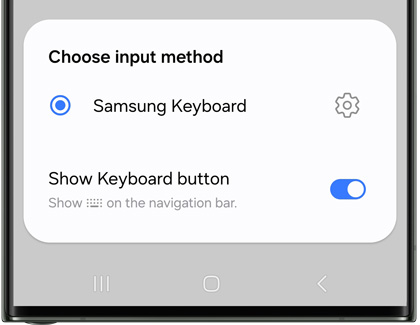
Older Gboard versions may have Preferences → Keyboard height instead. To drop the number row, turn off Settings → Preferences → Number row. To go back to your old keyboard, pick it again in your phone's default-keyboard setting. See Motorola's Gboard resize steps and Google's setup help.
iPhone#
Apple's built-in keyboard has no height setting. The one-handed layout shifts the keys sideways to make them easier to reach, but it doesn't make the keyboard shorter. See Apple's keyboard guide.
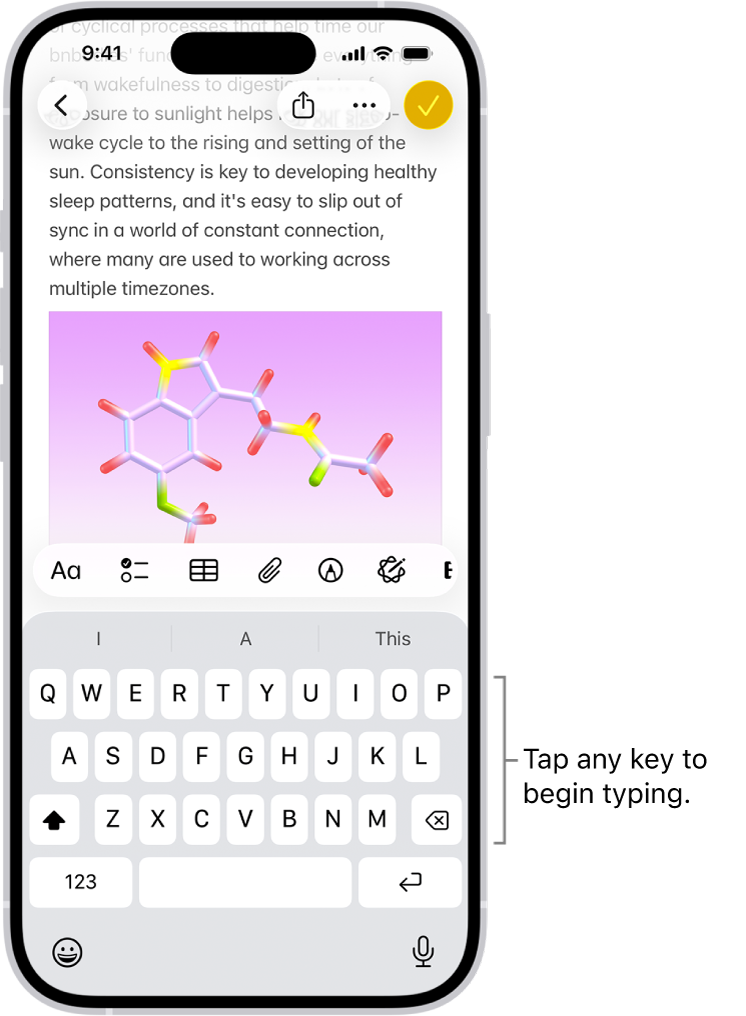
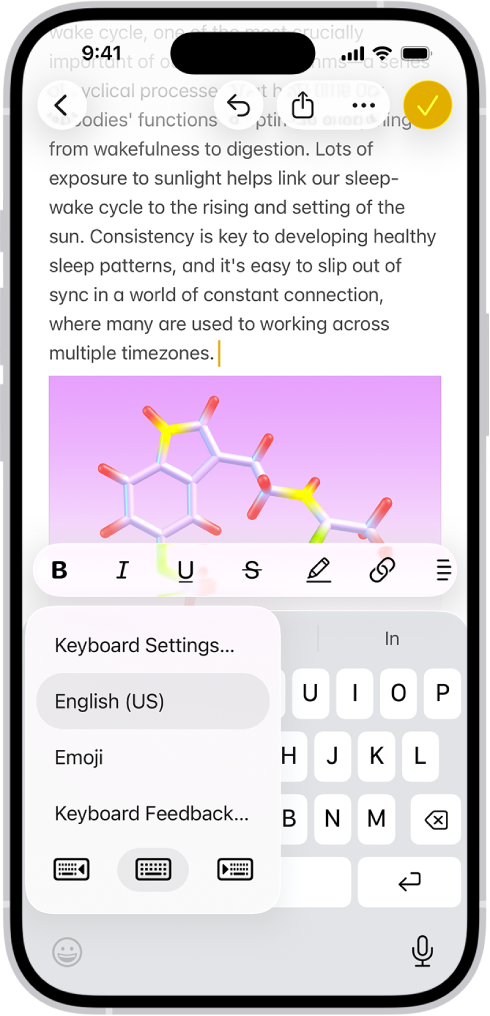
For a longer brief, draft it in Notes and import it. On iOS 26, Notes can export a note as Markdown from the Share menu. Choose the Markdown option, not PDF or Markup. Save the .md file to Files, then import it as shown below. If your Notes doesn't offer Markdown, paste the text into any editor that saves .md or .txt. See Apple's export guide.
Write somewhere else and import#
A computer or tablet is often the most comfortable place to write a long brief.
- Save the brief as a UTF-8 Markdown (
.md) or plain-text (.txt) file somewhere your phone can reach. - In rdn-swarm, tap New Run → Open existing doc → Import .md and pick the file. Plain-text files work too. PDF, Word and rich-text files aren't converted.
- Check the imported doc before you start a run.
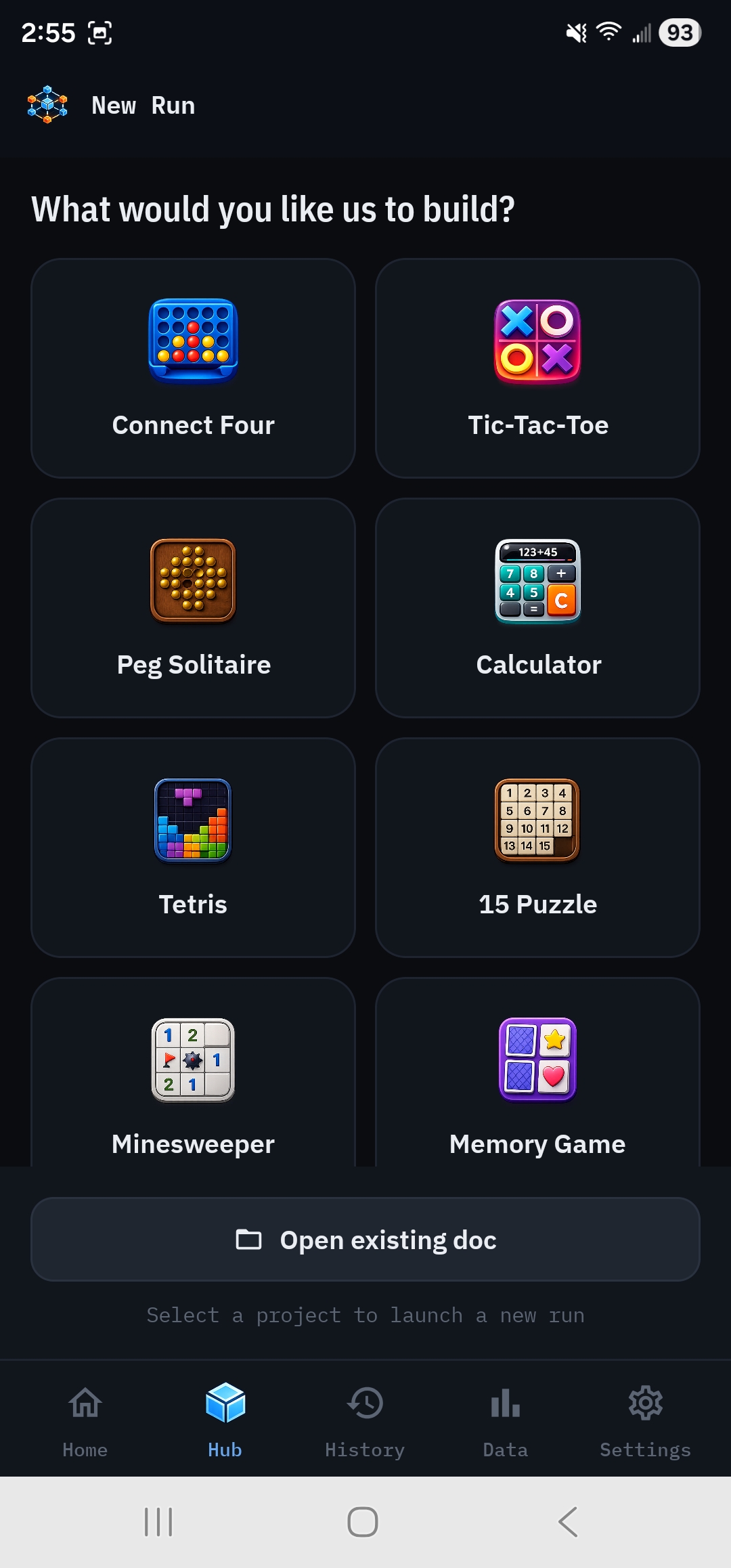
To edit a template somewhere else, select it first, open the doc library from the doc name at the top of the editor, and tap Export .md. Export always saves the active doc. Edit the copy, then import it. The sections that build well are covered in Write good requirements.