Settings reference
Provider pages, Model catalog, Display and About, screen by screen.
Everything under the Settings tab, screen by screen.
Settings#
- A two-column grid of the eight providers, in alphabetical order. Each tile shows whether a key is set and how many models its catalog has. Tap a tile to open its provider page.
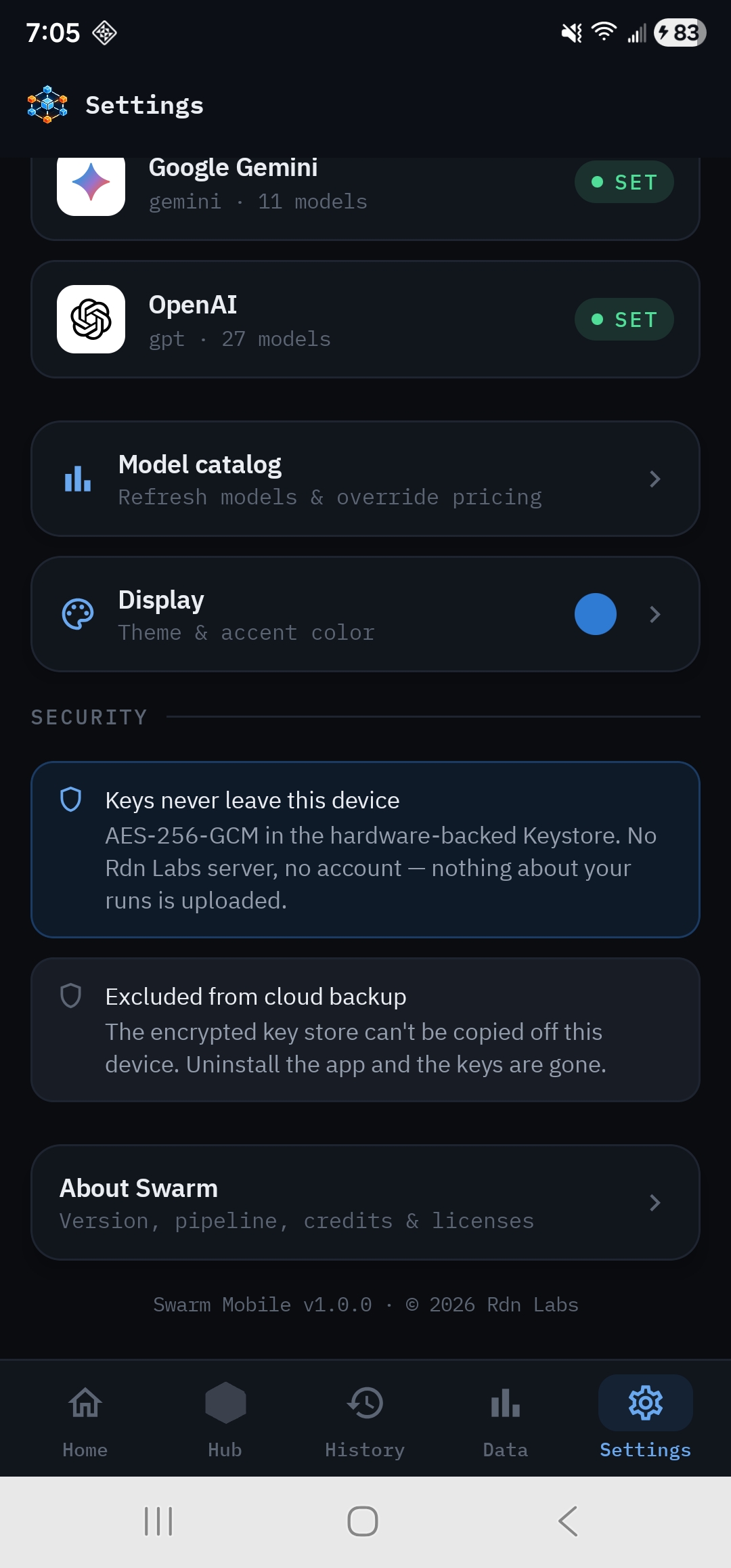
- Refresh models & override pricing.
- Guides, troubleshooting & FAQ. Opens these docs in your browser.
- Theme & accent color.
- Keys never leave this device and Excluded from cloud backup: a summary of how keys are protected.
- Version, pipeline, credits & licenses.
Provider page#
- Provider name and logo, Connected or No key, and the API host the key is sent to.
- Steps for this provider. Tap the card to open its key page in your browser.
- Masked. Shows key stored once saved. The app never displays a stored key again.
- Reads the clipboard and saves the key.
- Saves a typed key if needed, then checks it with the provider. The result appears below: Connectivity verified, Provider rejected the key, or Validation failed with the reason.
- Erases the stored key, after you confirm.
- Models available and whether the catalog is Synced.
- Re-downloads this provider's model list and prices.
Model catalog#
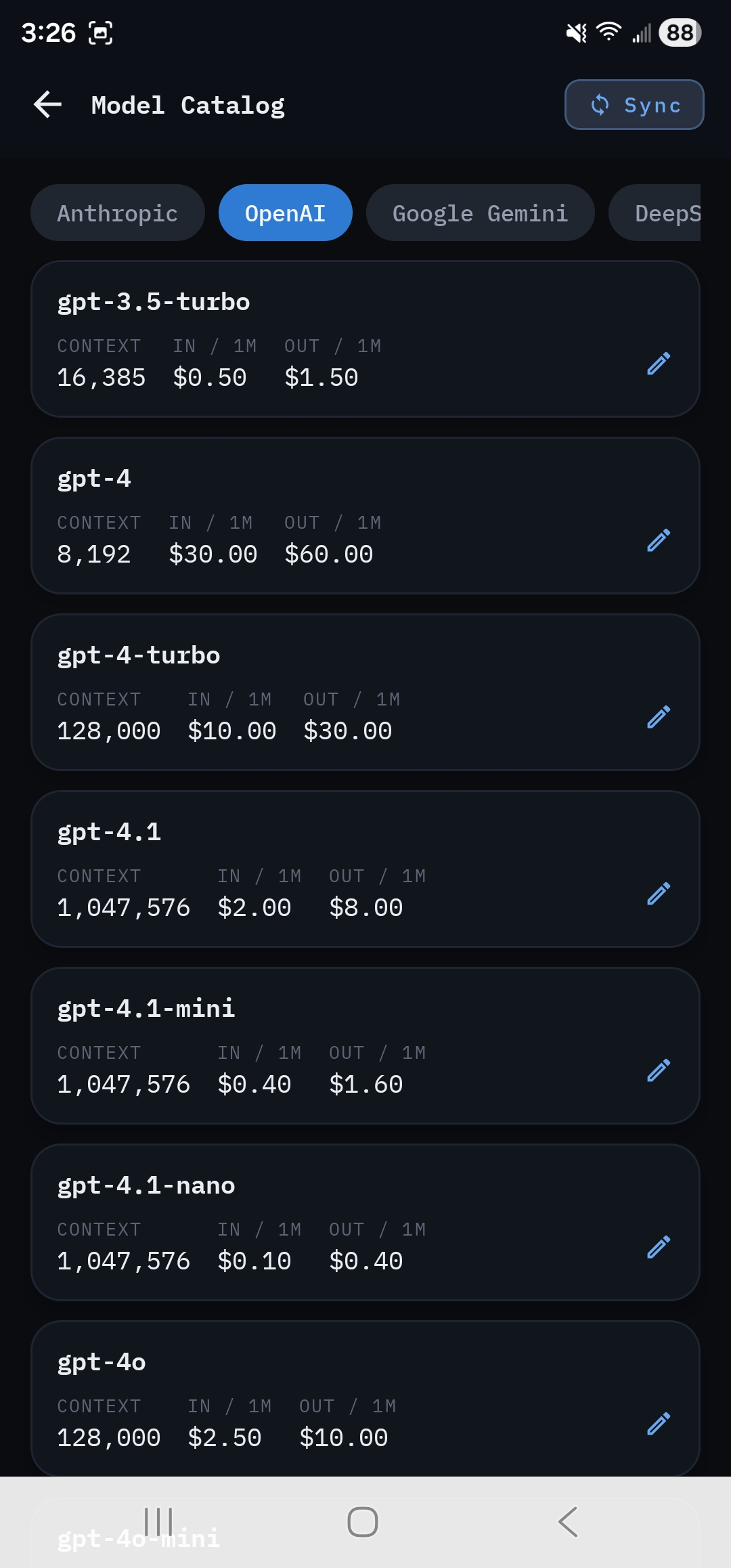
A tab per provider, with Sync to refresh it. Each model row shows Context, In / 1M and Out / 1M, and an edit pencil. The edit dialog sets Input $ / million, Output $ / million, Context window (tokens) and Max output tokens. Edited rows are marked Edited, and your values win over the feed on every refresh. See Manage keys and the model catalog.
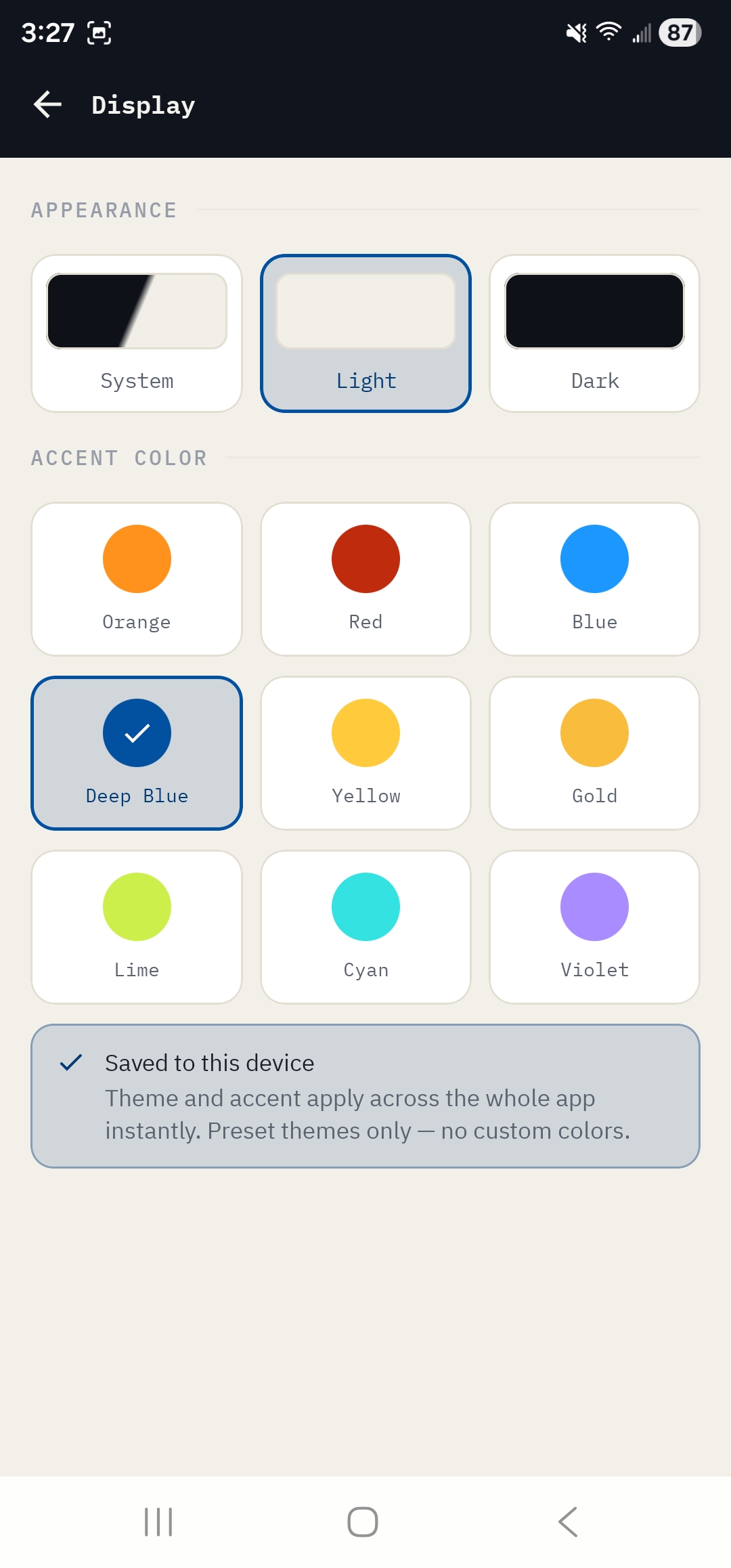
Display#
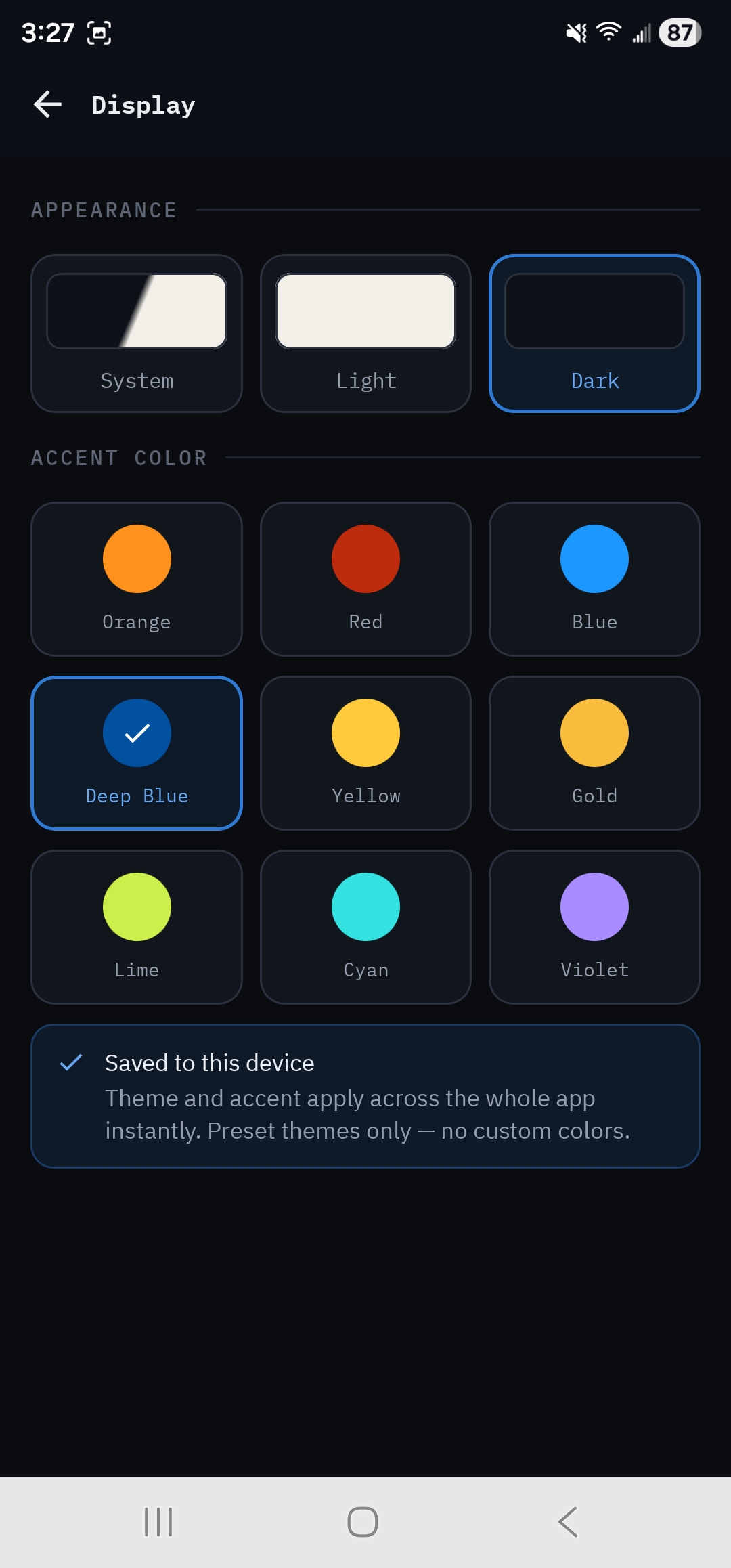
- System (follows your phone), Light, Dark
- Orange, Red, Blue, Deep Blue, Yellow, Gold, Lime, Cyan, Violet
Preset themes only; there are no custom colors. Saved on this device.
About#
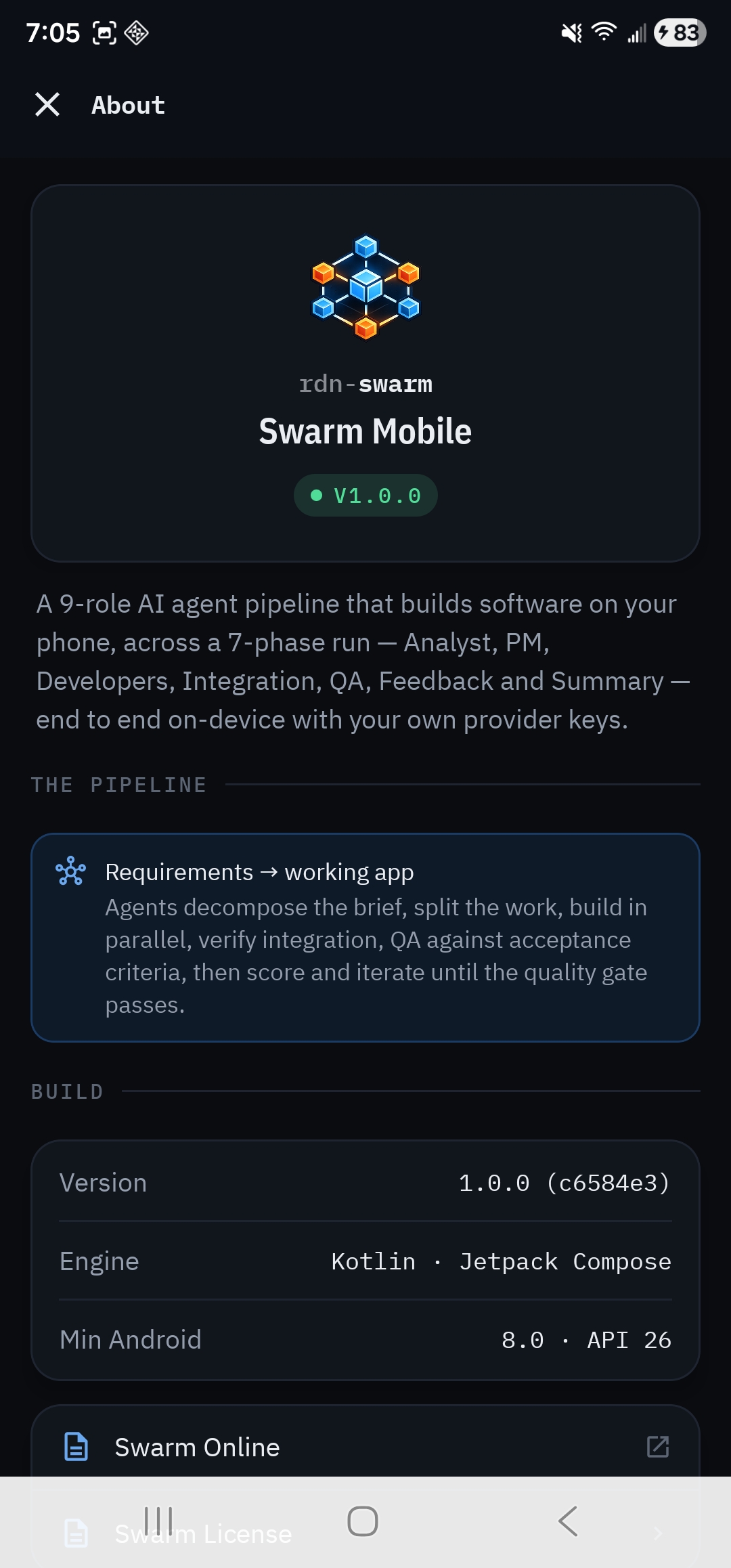
The app's version and build, what the pipeline does, and links to Swarm Online (this website), Docs (these docs), Swarm License (the license agreement and open-source notices, shown in the app), Terms of Use and Privacy Policy.